Back to: Digital Essentials
Turn a question into a useful search
Search results are starting points, not proof. A high position, polished design or large number of shares does not guarantee that information is accurate.
Lateral reading means opening new tabs to see what other reliable sources say about a website or claim—before you trust it.
Search with purpose
- Write the question you want to answer.
- Choose a few specific words: include the topic, location or year when relevant.
- Read more than the result headline. Open the page and check whether it answers your question.
- Try different words if the results are too broad.
Use four checks
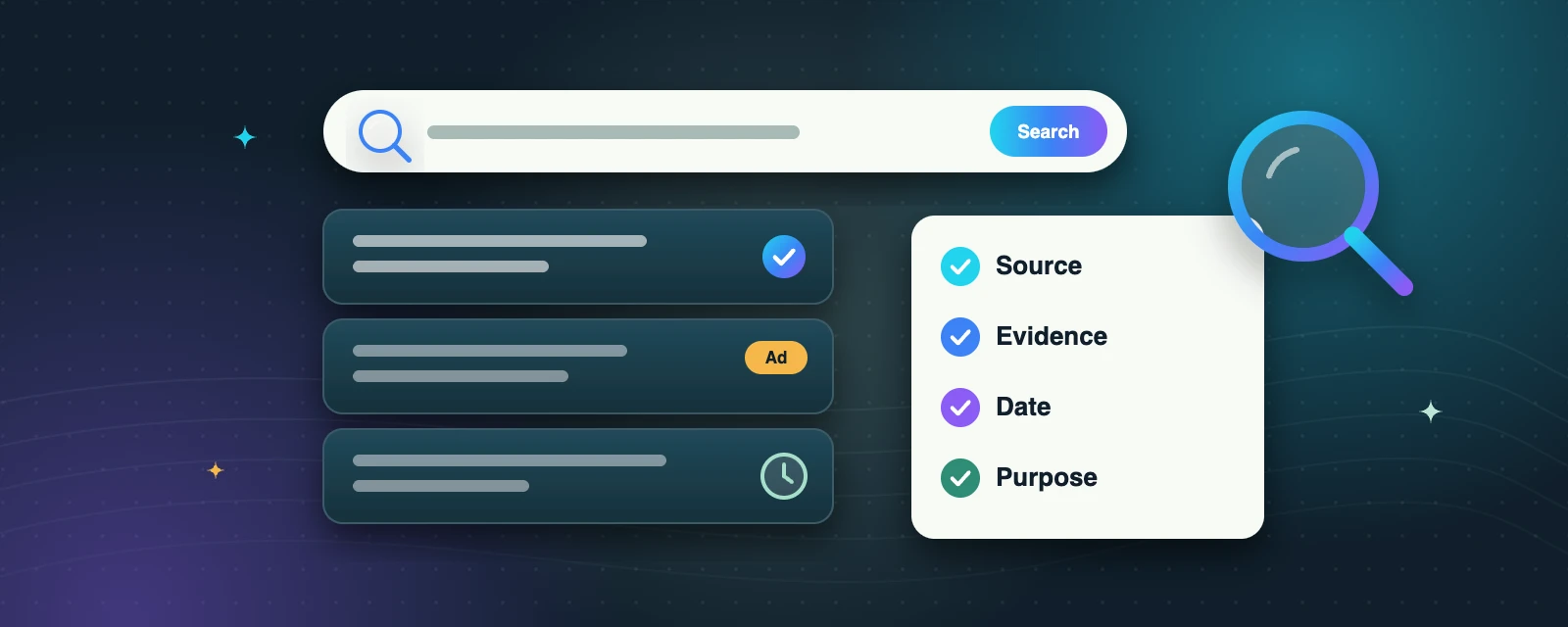
- Source: who created the information? Can you identify the author or organisation and their expertise?
- Evidence: does the page show how it knows? Follow links to original documents when possible.
- Date: is the information current enough for this question? Some facts remain useful for years; prices and schedules change quickly.
- Purpose: is the page informing, selling, entertaining or persuading? Sponsored results are advertisements.
Compare important claims with an independent, reliable source. Two websites repeating the same unsupported statement are not two independent confirmations. If evidence is missing, say you are unsure rather than passing the claim on as fact.
Ads can look like results
Sponsored results are paid placements. Look for the “Sponsored” or “Ad” label before you click.
Two copies aren’t two sources
If two sites repeat the same claim without evidence, they do not confirm each other.
Check the date first
Prices, timetables and opening hours change. Prefer the most recent official page.
Try it: practice task
Find opening hours for a public library or community organisation. Compare its official contact page with another listing. Record each page title, web address and the date you checked. If they disagree, identify how you would confirm directly before travelling.
Key takeaways
- Turn your question into a few specific search words.
- Check Source, Evidence, Date and Purpose before you trust a page.
- Confirm important claims with an independent, reliable source—or say you are unsure.
Self-check: a post says “share urgently” but gives no original source. What next?
Pause. Look for an original source and independent confirmation. Urgency is not evidence, and you do not need to share an unverified claim.
Mark complete when your comparison notes are ready.
