Back to: Digital Essentials
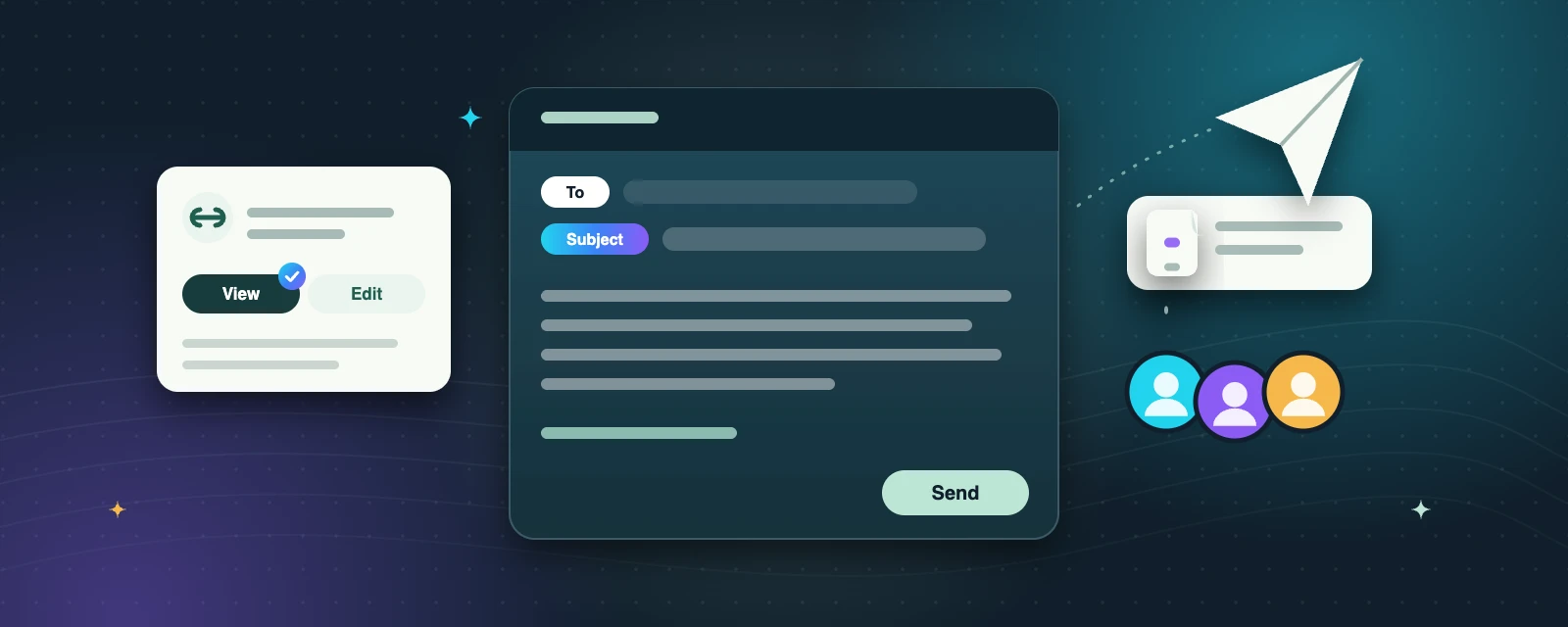
Send a useful message
Good digital communication makes the next step clear. Before writing, decide who needs the message, what they need to know and what response you want.
A simple email structure
- Subject: describe the purpose, such as Feedback requested: practice poster.
- Greeting: address the person respectfully.
- Context: explain the situation in one or two sentences.
- Request: state the action and a realistic deadline if one is needed.
- Closing: thank the reader and include your name.
Check the recipient carefully before sending. Reply All includes everyone on a conversation; use it only when everyone needs the response. Bcc hides those recipients from other recipients, but does not make the content confidential.
Attachments and sharing links
An attachment sends a copy. A sharing link points to a document whose access settings you can manage. Choose view access when someone only needs to read, and edit access only when they need to change the document. Avoid public links for private information. Removing link access does not remove copies someone already downloaded.
Before sharing, check the correct file, any hidden personal information, the intended recipients and the permission level. Unexpected attachments can be unsafe even when the sender’s name looks familiar.
Pause before Reply All
Use Reply All only when everyone on the conversation needs your answer. Otherwise, reply to the sender.
Bcc is not secret
Bcc hides recipients from each other, but anyone who receives the message can still forward it.
Links don’t recall copies
If someone has already downloaded a file, removing their link access will not delete their copy.
Try it: practice task
Write an email draft requesting feedback on your learning goals. Attach a harmless practice file or describe the permission you would use for a link. Review it without sending it: the purpose of this task is practice, and no message needs to leave your device.
Key takeaways
- Decide who needs the message, what they need to know and what you want them to do.
- Use a clear subject, short context and one specific request.
- Share with the least access needed—start with view access.
Self-check: a reviewer needs to read your work. Which access should you start with?
View access. Give only the access the person needs; you can grant editing later if the task changes.
Mark this lesson complete after reviewing your draft.
