Back to: Digital Essentials
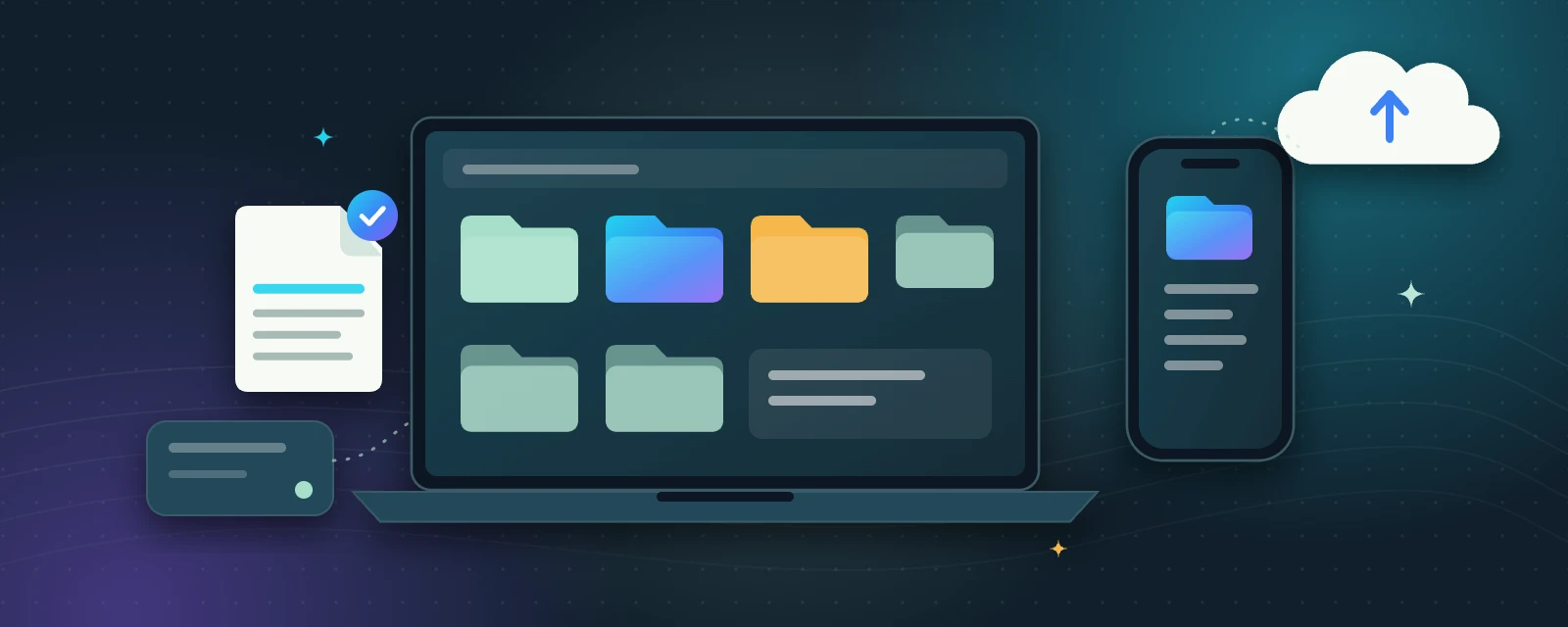
Your digital workspace
A device is the physical phone, tablet or computer you use. An app is a tool on that device. A file holds information, such as a photo or document; a folder groups files. A browser is an app that opens websites. Knowing these differences helps you find the right tool.
Shown on Windows. The same ideas—creating folders, naming, moving and opening files—work on Mac, Android and iPhone too.
Build a simple filing system
- Open the file manager on your device and find Documents or your preferred work location.
- Create a folder called Digital Practice. Inside it, create Notes and Projects.
- Create a short document describing one skill you want to learn. Save it in Notes with a clear name, such as learning-goals-2026-09.
- Close the document, find it again and open it. Check that your latest change was saved.
Downloads is often a temporary collection point. Move useful downloads into a relevant folder. Before deleting anything, check its name and contents. A shortcut or link may point to a file without containing a separate copy.
Keep a second copy
A backup is a separate copy you can recover if the original is lost. Copy your practice document to a trusted external drive or a cloud account you control. Cloud syncing and backup are different: deleting a synced file may also delete it on your other devices. Check the service’s recovery options and test that you can open the second copy.
Sync is not the same as backup
If you delete a synced file, it can disappear from every synced device. Keep at least one separate copy that you control.
A shortcut is not the file
A shortcut or link only points to a file. When you make a backup, copy the file itself.
Downloads is a waiting room
Move files you want to keep out of Downloads and into a named folder, so they are easy to find and back up.
Try it: practice task
Save, rename, move and reopen a harmless practice document. Make a second copy and locate it. Do not use private documents for this exercise.
Key takeaways
- Devices run apps; files hold information; folders group related files.
- Clear file names and a simple folder structure make your work easy to find.
- A backup is a separate copy—test that you can open it.
Self-check: what makes a useful filename?
A descriptive name tells you what a file contains without opening it. A topic and date or version help distinguish similar files; final-final-new is harder to maintain.
When you can find both copies, select Mark Complete to continue.
