Back to: Graphic Design Essentials
0
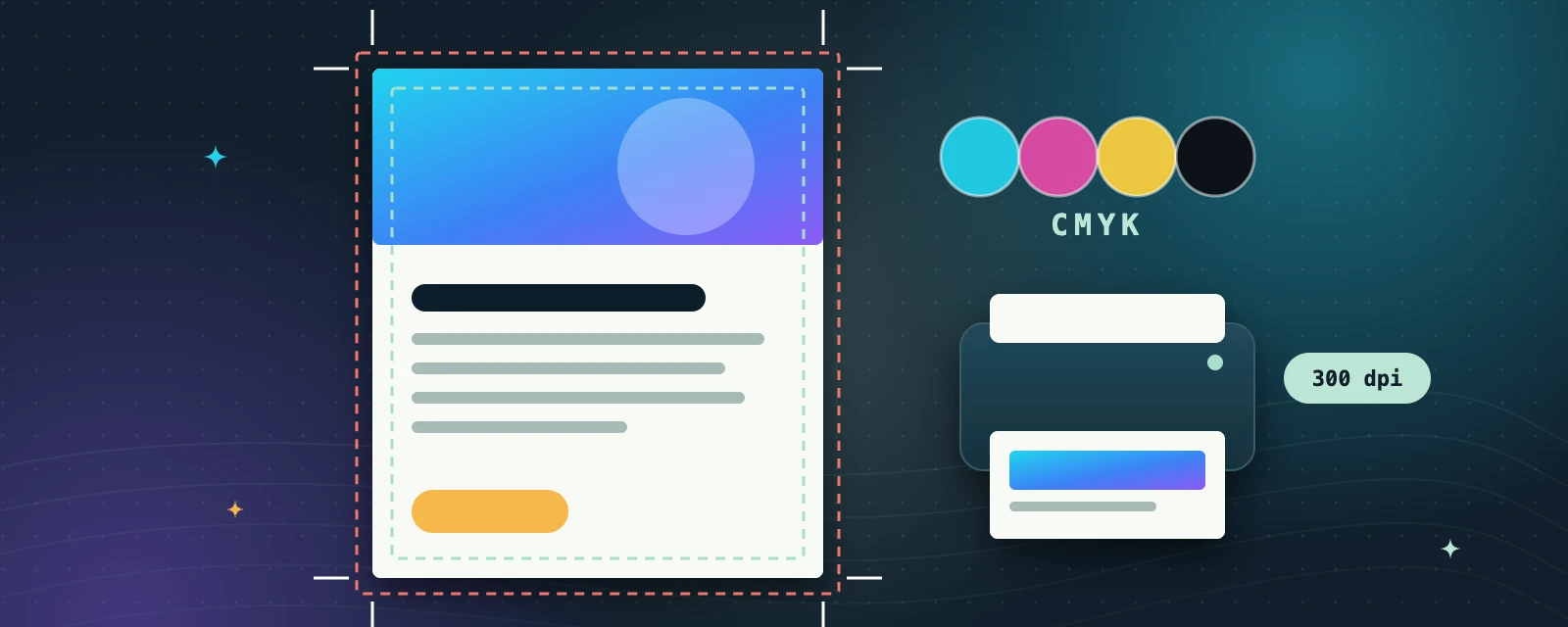
Designs that look great on screen can go wrong in print if files aren’t prepared correctly. This module covers bleed and safe margins, converting RGB to CMYK, image resolution (DPI), and exporting print-ready PDFs. Watch the linked video, then prepare a flyer design for print with correct bleed and colour mode. FDA Notes: always double-check dimensions and colour mode before sending a file to a printer.
WatchHow to download a print-ready PDF in Canva with bleed & crop marksDesigner in your Pocket · free video on YouTube
RGB vs CMYK
Screens mix light (RGB); printers mix ink (CMYK). Very bright screen colours can print duller.
Ask your printer
Check their bleed size and file requirements before you export.
What crop marks do
Crop marks show the printer exactly where to trim the page.
Try it: get it print-ready
- Set up a flyer design at its final print size.
- Turn on bleed and keep all text inside the safe margins.
- Export a PDF for print with crop marks, then check every edge.
Key takeaways
- Bleed is extra artwork beyond the trim edge, so no white edges appear after cutting.
- Keep important text and logos inside the safe margin.
- Use high-resolution images (about 300 dpi at print size) and export a print-ready PDF.
