Back to: Web Design Fundamentals
0
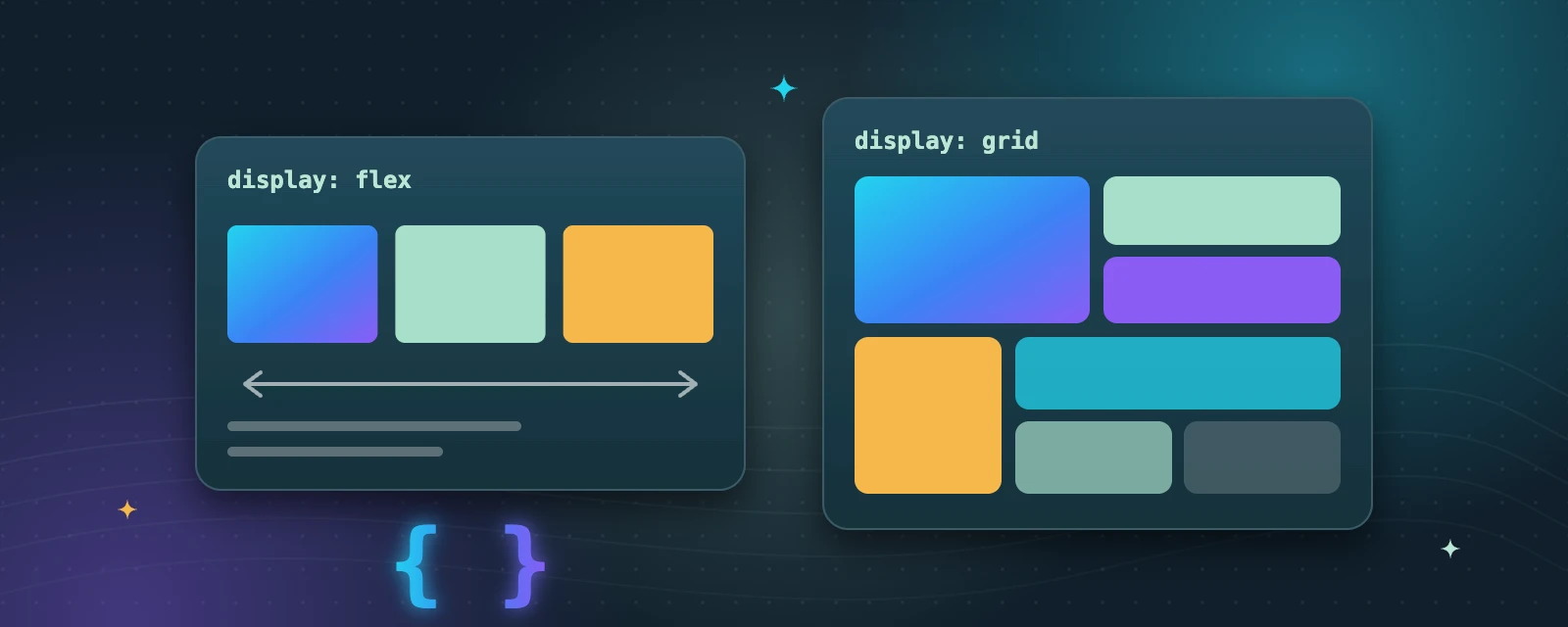
This module covers styling web pages with CSS3, including colours, typography and box model, then moves into modern layout systems: Flexbox for one-dimensional layouts and CSS Grid for two-dimensional page layouts. Watch the linked video, then rebuild a simple card layout first with Flexbox and then with Grid. FDA Notes: compare both approaches and discuss when each is the better tool for a given design.
WatchCSS Flexbox vs Grid – Are you using them right?Coding2GO · free video on YouTube
Every element is a box
The box model is content, padding, border and margin. Most layout surprises come from one of these.
Use gap for spacing
The gap property adds space between flex or grid items without extra margins.
Mix them
Use Grid for the overall page layout and Flexbox for the small components inside it.
Try it: one layout, two ways
- Build a row of three cards with display: flex.
- Rebuild the same cards with display: grid.
- Write two sentences on when each approach felt easier.
Key takeaways
- CSS controls colour, typography, spacing and the box model of every element.
- Flexbox arranges items in one direction—a row or a column.
- Grid arranges items in rows and columns at the same time.
