Back to: Web Design Fundamentals
0
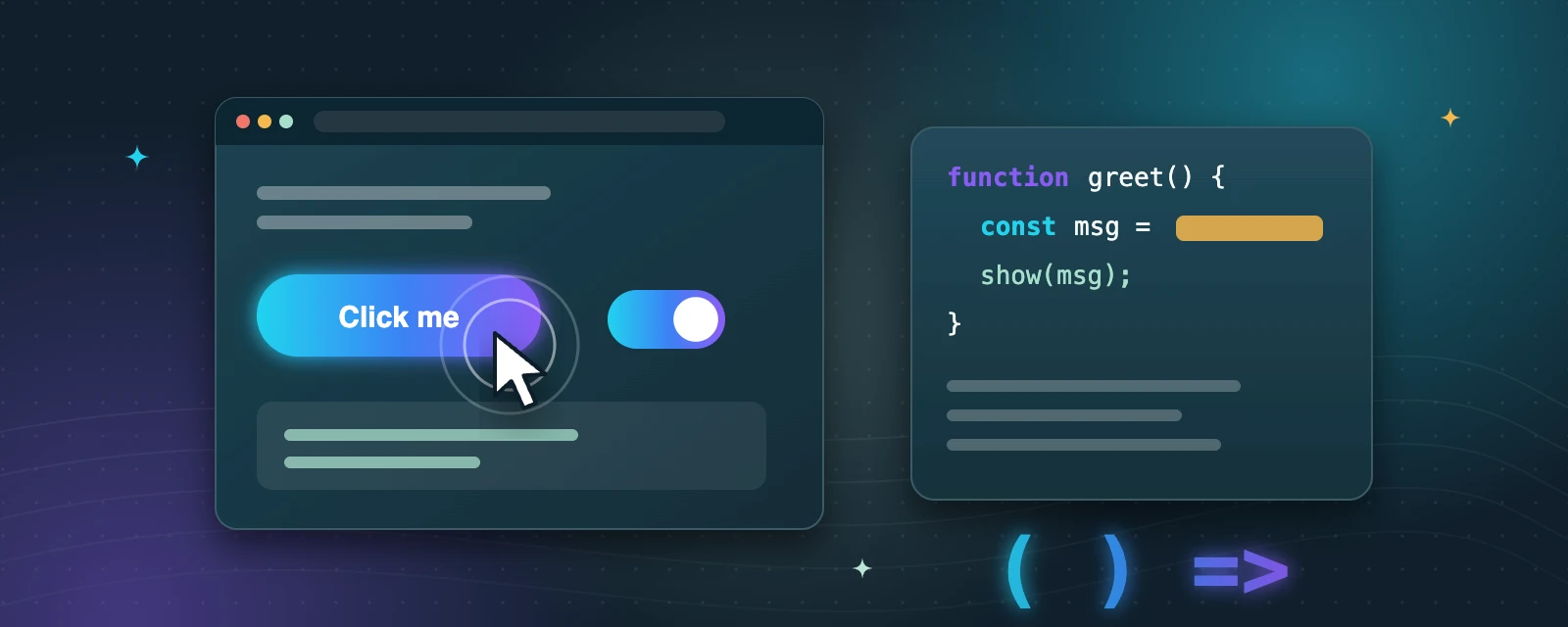
Get started with JavaScript, the language that makes web pages interactive. This module covers variables, data types, functions, and how JavaScript connects to HTML to respond to clicks and update content on the page. Watch the linked video, then add a simple interactive feature (like a button that changes text or colour) to one of your practice pages. FDA Notes: keep a glossary of new JavaScript terms as you learn them.
WatchJavaScript Course for Beginners – Your First Step to Web DevelopmentProgramming with Mosh · free video on YouTube
const or let?
Use const for values you will not reassign and let for values that will change.
Open the console
Your browser’s developer tools console shows errors and console.log messages.
Small steps win
Test after every few lines. Small changes are much easier to debug.
Try it: make it interactive
- Add a button to one of your practice pages.
- Write a function that changes some text or a colour when the button is clicked.
- Start a glossary of new JavaScript terms as you learn them.
Key takeaways
- JavaScript makes pages interactive: it can respond to clicks and change content.
- Variables store values; functions group steps you can reuse.
- JavaScript reaches HTML through the DOM, for example with document.querySelector.
